

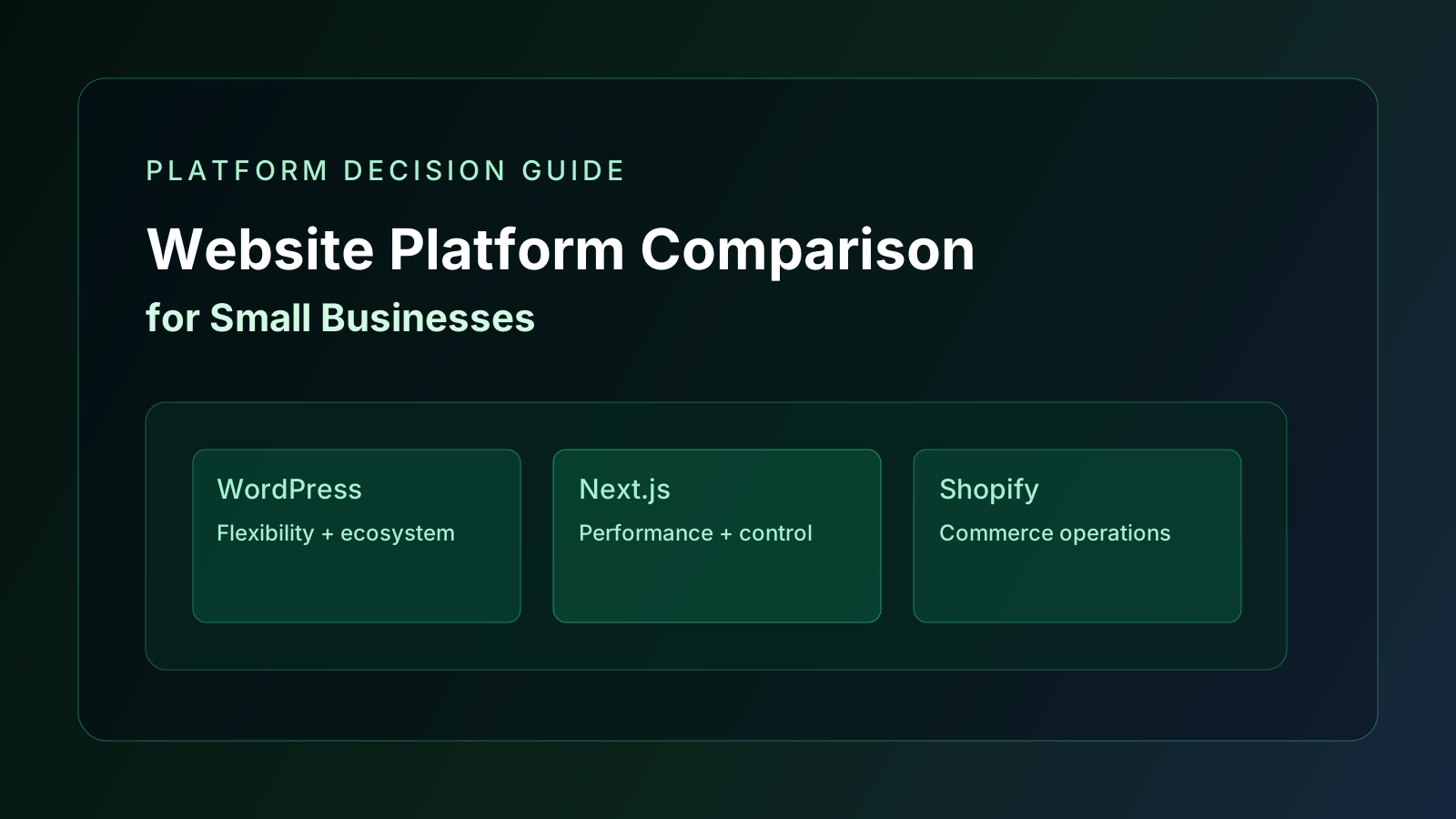
Website Platform Comparison for Small Businesses
A practical comparison of common website platform options so small businesses can choose based on growth stage and technical needs.
Article History
Published: April 8, 2026
Updated: April 8, 2026
Reviewed: April 8, 2026
Author

Victor Chinukwue
Founder, Web Growth
Founder-led strategist and developer focused on high-performance websites, conversion systems, and practical growth execution for service and ecommerce businesses.
- Next.js web architecture
- Conversion-focused website strategy
- Technical SEO foundations
- Website performance optimization
- Service-business growth systems
Reviewed By
Web Growth Editorial
Editorial Review Team
Editorial Note
Comparison based on implementation and migration patterns across service and ecommerce projects.
Platform fit evaluated by business outcome, technical debt risk, and scalability.
Key Takeaways
- Best platform depends on business model, not popularity.
- Builder convenience and long-term flexibility often trade off.
- Platform decisions should include performance, scalability, and maintenance realities.
What You Will Need
- Business model and revenue channel priorities.
- Expected update frequency and internal team capability.
- Budget range and growth horizon.
Common Mistakes
- Choosing platform purely by upfront price.
- Ignoring maintenance burden and plugin risk.
- Migrating too late after architecture debt accumulates.
Process Steps
- 1Define your must-have outcomes first.
- 2Compare platform fit against those outcomes.
- 3Choose a phased implementation path with realistic constraints.
Website Platform Comparison for Small Businesses
There is no universal best platform.
There is only best fit for your stage, team capability, and growth plan.
WordPress
Best for:
- content-heavy websites
- teams needing broad plugin ecosystem
- businesses that need fast editorial updates
Watch out for:
- plugin bloat
- inconsistent maintenance quality
- performance issues without technical governance
Shopify
Best for:
- ecommerce-first businesses
- teams that prioritize operational simplicity
- stores needing stable checkout infrastructure
Watch out for:
- app dependency cost over time
- platform constraints for advanced custom flows
Custom Next.js build
Best for:
- premium service and ecommerce brands needing speed and control
- businesses with conversion-critical UX requirements
- teams planning deeper integrations and long-term scalability
Watch out for:
- higher implementation standard required
- need for technical ownership after launch
Builder-style platforms
Best for:
- early-stage pages
- low complexity offers
- short-term experiments
Watch out for:
- design sameness
- limited flexibility
- migration pain as requirements grow
Practical decision matrix
Ask these questions:
- 1Is your revenue model service-led, ecommerce-led, or hybrid?
- 2How often do you need content updates?
- 3Do you need custom booking, CRM, or workflow integrations?
- 4Is mobile speed and conversion a major growth lever?
- 5What is your 12 to 24 month growth target?
Choose the platform that supports your next stage, not only your current budget.
Signals you should migrate
Consider moving platforms when:
- performance issues persist after optimization
- plugin debt keeps increasing
- core conversion changes are hard to ship
- integration requirements exceed platform flexibility
Late migration is usually more expensive than planned migration.
Related guides and implementation support
- Namecheap Domain and Hosting Guide
- Website Redesign Cost Breakdown for Nigerian Businesses
- Business Website Design service
Quick platform fit examples
Use cases:
- Service business with heavy SEO content: WordPress or Next.js depending on team capability.
- Ecommerce brand with operational speed priority: Shopify.
- Premium conversion-focused brand with custom UX needs: Next.js.
- Early validation page with low complexity: builder platform, with migration plan.
The right platform is the one that supports your growth model with manageable maintenance risk.
SEO and AdSense readiness considerations by platform
Before deciding, confirm each platform can support:
- clean metadata control
- crawlable page structure
- fast mobile performance
- strong content publishing workflow
If your content operation is weak, no platform will fix low-value content problems by itself. Publishing useful, original content remains the core requirement.
Final note
Good platform decisions reduce redesign waste, maintenance stress, and conversion loss.
Pick for business outcomes, operational reality, and future scale.
FAQ
Website Platform Comparison for Small Businesses FAQ
Short answers to common planning and implementation questions.
No. It is better for specific use cases where performance, custom architecture, and scalability matter.
Yes, but migration planning should be considered early to avoid expensive rework.
Related Guides
Pricing
Website Redesign Cost Breakdown for Nigerian Businesses
A practical cost breakdown Nigerian businesses can use to scope website redesign projects without overpaying or under-scoping.
13 min read
Website Strategy
Namecheap for Small Business Websites: When It Fits and When It Does Not
Namecheap can be a fine low-cost starting point for domains and simple websites, but it is not automatically the right hosting choice for every business.
9 min read
Launch QA
Small Business Website Launch QA Checklist
A launch QA checklist for small businesses to catch trust, technical, and conversion issues before going live.
11 min read
Website Launch
Website Launch Checklist for Small Businesses (Avoid Expensive Mistakes on Day One)
Launch day should not be chaos. Use this practical checklist to ship a fast, credible, conversion-ready website that actually generates enquiries.
16 min read
Internal Resource
Need implementation support for this guide?
If you want this executed with senior-level speed and quality control, request a scoped recommendation.
Request Implementation Scope