

Small Business Website Redesign Checklist: What to Fix Before You Rebuild
Use this small business website redesign checklist to fix messaging, structure, trust, speed, SEO, and launch readiness before spending money on a cosmetic rebuild.
Our articles are written and reviewed in-house using real website launch, redesign, technical SEO, and conversion work. We update posts when our process changes, and we keep the advice aligned with what we actually implement for businesses in Nigeria and remote international markets.
Small Business Website Redesign Checklist: What to Fix Before You Rebuild
Most website redesigns fail for one reason:
They rebuild visuals before they rebuild clarity.
New layout. New color system. New animations.
Need website design in 48 hours?
If you need a professional website live fast for Nigeria-based or international clients, the launch offer is built for that exact use case.
Explore the full service at website design in 48 hours, see how to launch your website in 48 hours, or review the done-for-you website launch details.
Same weak message. Same weak trust. Same weak conversion path.
That is expensive rework.
This small business website redesign checklist gives you the right order of operations so the rebuild improves leads, trust, speed, and search visibility instead of just looking newer.
If you want the diagnosis before the redesign, start with a website audit.
If the business simply needs a stronger site live quickly before a larger rebuild, use the website design in 48 hours offer.
Step 1: Decide whether you need a full redesign or focused fixes
Do this before opening design files.
You probably need a full redesign if:
- the offer is unclear in the hero section
- the page structure does not match the sales process
- the site is weak on mobile
- speed and usability problems are widespread
- trust signals feel thin or outdated
You may only need focused fixes if:
- the layout is mostly fine but messaging is weak
- service pages do not convert even though the homepage is acceptable
- page speed is the main problem
- the site needs better proof and CTA placement more than new visuals
Do not pay for a full redesign if the real problem is one layer lower.
Step 2: Lock the main business goal first
Before redesigning, define the primary conversion.
Usually that is one of these:
- consultation booking
- quote request
- call
- WhatsApp conversation
- lead magnet download
If the goal is unclear, the redesign will turn into decoration.
Every important page should support the same conversion path.
Step 3: Rewrite the homepage for clarity before style
In the first few seconds, a visitor should understand:
- 1what you do
- 2who you help
- 3why they should trust you
- 4what to do next
That means the homepage needs:
- a clear headline
- one supporting sentence
- one strong CTA
- a visible trust signal
If your homepage still sounds generic, new visuals will not save it.
For structure, use the homepage conversion blueprint.
Step 4: Rebuild service pages around buyer intent
Many redesigns fail because the service pages remain vague.
Each service page should clearly explain:
- the problem the buyer is trying to solve
- the outcome they want
- how the service works
- what proof exists
- what the next step is
If the page reads like a brochure, it will not rank well and it will not convert well.
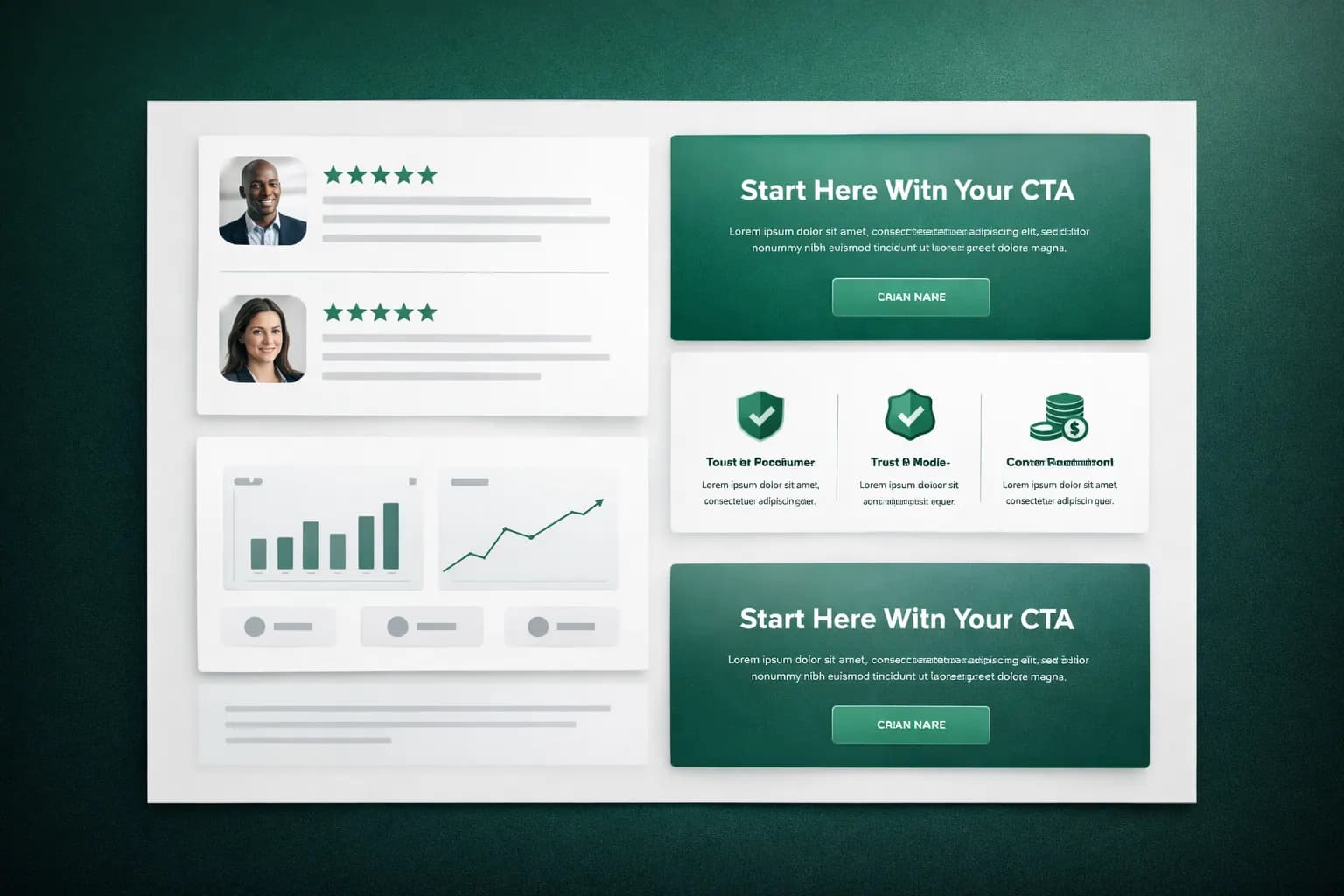
Step 5: Add trust where decisions happen
Trust should appear beside friction, not be hidden on a separate testimonials page.
Place proof near:
- pricing
- forms
- consultation CTAs
- service comparisons
Use:
- testimonials with context
- project examples
- before and after proof
- real screenshots
- outcome-based statements
Step 6: Fix mobile UX before desktop polish
For many small businesses, mobile is where trust is won or lost first.
Check:
- readability without zoom
- button spacing
- CTA visibility
- menu clarity
- form usability
- page length and scanability
A redesign that only looks good on a large screen is incomplete.
Step 7: Make speed part of the redesign scope
Speed is not a finishing task.
It is part of the rebuild.
Before launch, work toward:
- Largest Contentful Paint under 2.5 seconds
- Interaction to Next Paint under 200ms
- Cumulative Layout Shift under 0.1
Common redesign speed wins:
- compress and resize images properly
- remove unnecessary scripts
- use stronger hosting
- reduce plugin weight
- lazy-load non-critical media
If hosting is a bottleneck, review the best hosting guide.

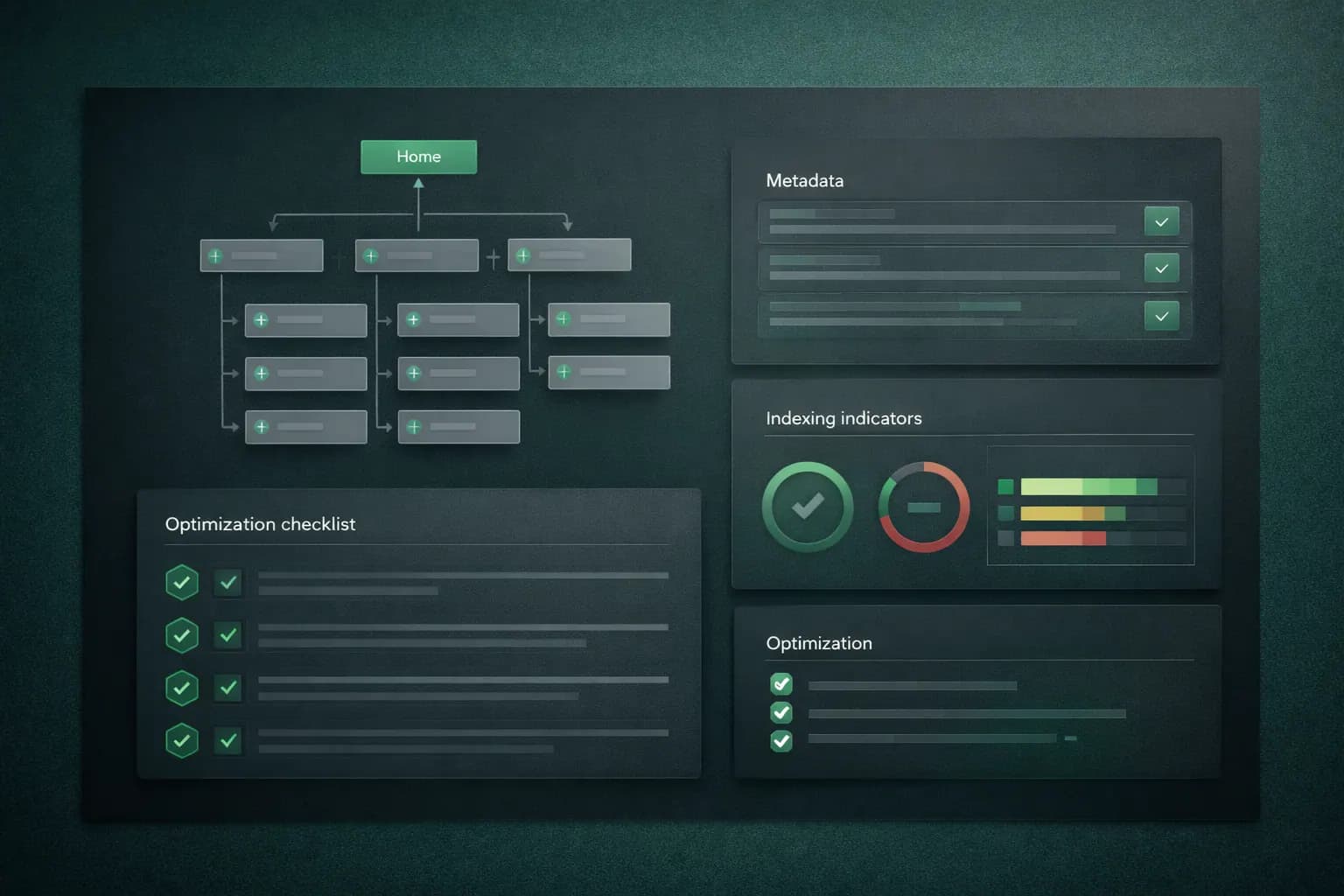
Step 8: Protect SEO during the redesign
Redesigns often damage rankings because SEO gets pushed to the end.
Before launch, confirm:
- old URLs are mapped to the right new URLs
- removed pages have proper 301 redirects
- each page has one main search intent
- title tags and meta descriptions are unique
- headings are structured properly
- internal links are updated
- sitemap and robots rules are correct
Use the small business SEO checklist to review the SEO layer before launch.
Step 9: Add tracking before you publish
If tracking is not defined before launch, you cannot prove whether the redesign worked.
Track at minimum:
- form submissions
- booked calls
- click-to-call taps
- WhatsApp clicks
- quote requests
Day-one measurement matters.
Otherwise every redesign conversation becomes opinion.
Step 10: Run a real pre-launch QA pass
Before publishing:
- test forms
- test automations
- test all CTAs
- test navigation paths
- check metadata previews
- review mobile speed
- confirm thank-you flows
Use this with your website launch checklist to avoid easy mistakes.
Practical budget split for a redesign
For many service businesses, a stronger redesign budget looks more like this:
- 35% strategy and messaging
- 25% UX and page structure
- 20% development and performance
- 10% SEO and migration protection
- 10% QA and launch readiness
If most of the budget goes only into visuals, expect cosmetic results.
FAQ: small business website redesign checklist
What should be fixed first in a website redesign?
Start with messaging, conversion flow, service-page structure, and trust placement before visual polish.
How often should a small business redesign its website?
Most businesses need a major redesign every 2 to 4 years, with smaller conversion and SEO improvements in between.
Can a redesign hurt SEO?
Yes. Rankings can drop if redirects, metadata, URL mapping, and internal linking are ignored during the rebuild.
Does every business need a full redesign?
No. Many websites improve faster with targeted fixes to copy, structure, proof, and speed before a full rebuild is necessary.
Which pages should be prioritised first?
Homepage, service pages, pricing, and contact/get-started pages usually deserve first priority because they affect both traffic quality and enquiries.
First 90 days after launch
Treat launch as version one.
In the first 90 days:
- review conversions weekly
- identify top-exit pages
- improve weak service pages
- tighten CTA copy
- improve mobile friction points
The redesign is not finished when the site goes live.
It is finished when the site starts performing better.
Final takeaway
A strong redesign is not a visual refresh.
It is a controlled upgrade to the lead-generation system behind the website.
Fix:
- offer clarity
- service-page structure
- trust placement
- speed
- SEO protection
- launch readiness
If you want to understand why the current site is leaking money before rebuilding, start with why your website is not generating leads.
Ready to launch
Launch your website in 48 hours with a done-for-you setup
If this article helped you clarify the next step, the launch offer gives you a mobile-first business website, domain guidance, hosting setup, and a clear CTA flow without dragging the project out.
Chat on WhatsAppWebsite design in 48 hours for businesses that need to go live fast
The 48-hour launch offer is built for businesses that need a clean, mobile-first site live fast with pricing, CTA flow, and basic SEO already handled.
See the done-for-you website launchHosting Support
Need reliable hosting before you build?
Use the hosting offer to start with a cleaner setup and a lower upfront cost.
Related posts
More articles to help you get better rankings and more leads.
Launch day should not be chaos. Use this practical checklist to ship a fast, credible, conversion-ready website that actually generates enquiries.
Most small business websites collect visits but not answers. This guide shows how to track the pages, buttons, campaigns, and actions that actually generate enquiries.
Stop depending only on Google and social media. Learn how to build an email list, automate follow-ups and turn subscribers into enquiries and clients on autopilot.