

How to Make Your Website Load Fast (Complete Speed Optimization Guide for Small Businesses)
A slow website quietly kills your sales and rankings. This practical speed optimization guide shows exactly how to make your website load under 2 seconds without advanced technical skills.
Our articles are written and reviewed in-house using real website launch, redesign, technical SEO, and conversion work. We update posts when our process changes, and we keep the advice aligned with what we actually implement for businesses in Nigeria and remote international markets.
How to Make Your Website Load Fast (Complete Speed Optimization Guide)

Let's be blunt.
Nobody waits for slow websites anymore.
Need website design in 48 hours?
If you need a professional website live fast for Nigeria-based or international clients, the launch offer is built for that exact use case.
Explore the full service at website design in 48 hours, see how to launch your website in 48 hours, or review the done-for-you website launch details.
Not customers. Not Google. Not you.
If your site takes 5 seconds to load, you've already lost.
Before they even see your headline.
Before they read your offer.
Before they know you exist.
Slow sites don't lose visitors slowly.
They lose them instantly.
And the worst part?
Most speed problems are ridiculously fixable.
This guide shows you exactly how.
No tech wizardry.
Just practical steps that actually move the needle.
If your foundation is weak, start with the best hosting guide.
If you want the shortcut on infrastructure, compare the shared hosting offer before you start optimizing everything else.
First: understand what "slow" really means
People think:
"My site feels fine on my laptop."
That means nothing.
Your visitors are on:
- cheap phones
- slow networks
- old devices
If your site only works fast on your machine, you're lying to yourself.
Real target:
Under 2 seconds.
Under 1.5 seconds if you want elite performance.
Anything above 3 seconds = losing money.
Every single day.
Why speed matters more than design
Speed affects:
- Google rankings
- bounce rate
- conversions
- trust
- ad costs
Google literally ranks faster sites higher.
So speed = SEO.
And faster pages convert more.
So speed = money.
Design without speed is decoration.
Speed is survival.
To keep rankings climbing, follow the small business SEO checklist.
If you want this fixed properly on the site instead of DIY, the performance optimisation service is the direct next step.
Step 1: Test your current speed
Before fixing anything, measure.
Use:
- PageSpeed Insights
- GTmetrix
- WebPageTest
Check:
- LCP
- INP
- CLS
These are called Core Web Vitals.
They sound scary.
They're not.
They just mean:
How fast content appears How responsive the site feels How stable the layout is
That's it.
Step 2: Fix images first (biggest win)
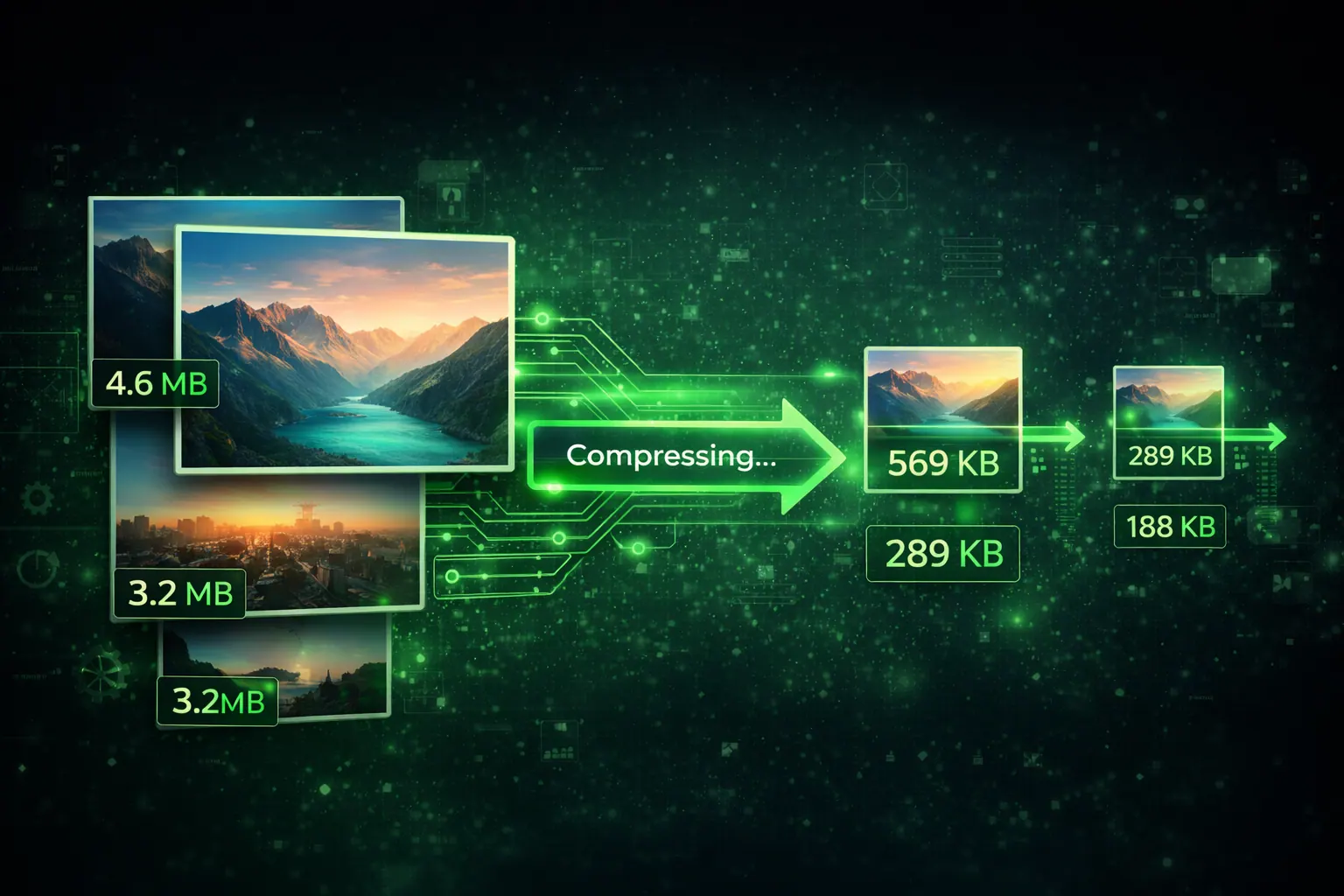
Images are usually 70-80% of page size.
Which means...
They're the biggest problem.
Common mistake:
Uploading a 4MB image for a tiny section.
That's madness.
Do this instead:
- resize images to actual display size
- convert to WebP
- compress before upload
- lazy load below the fold
Tools:
- TinyPNG
- Squoosh
- ShortPixel
This alone can cut load time in half.
Seriously.
Half.
Step 3: Use better hosting
Cheap hosting = shared resources = slow.
No optimization fixes terrible hosting.
It's like tuning a broken car engine.
Upgrade first.
Then optimize.
Fast hosting is the foundation of everything.
Step 4: Remove unnecessary plugins
Every plugin:
- adds code
- adds scripts
- slows pages
Most WordPress sites have 25+ plugins.
They only need 8-10.
Delete junk.
If a plugin isn't critical, kill it.
Less code = faster site.
Always.
Step 5: Reduce JavaScript
Heavy JavaScript blocks loading.
Which means:
Users stare at blank screens.
Google hates this.
Fix:
- remove bloated libraries
- defer scripts
- lazy load widgets
- avoid unnecessary animations
Fancy effects don't sell.
Speed sells.
Step 6: Use caching
Caching = save a ready-made version of your page.
So the server doesn't rebuild it every time.
Result:
Massive speed boost.
Use:
- WP Rocket
- LiteSpeed Cache
- Cloudflare
Turn it on once.
Benefit forever.
Step 7: Use a CDN
CDN = Content Delivery Network.
Translation:
Copies of your site stored worldwide.
So visitors download from nearby servers.
Not one far away server.
Result:
Faster for everyone.
Especially mobile users.
Cloudflare free plan is enough.
No excuses.
Step 8: Optimize fonts
Fonts can secretly slow you down.
Fix:
- limit to 1-2 fonts
- self-host fonts
- preload important fonts
Nobody cares about 7 fancy fonts.
They care about speed.
Step 9: Kill layout shift (CLS)
Ever click a button and the page jumps?
That's layout shift.
It destroys trust.
Fix:
- set image sizes
- avoid late-loading banners
- reserve space for ads
Stable pages feel professional.
Jumping pages feel broken.
Step 10: Retest everything
After changes:
Test again.
If score didn't improve, something's wrong.
Optimization without measurement is guessing.
Guessing is for amateurs.
You're building a business.
Measure.
If you're still deciding on your platform, read the best website builders guide.
And if traffic isn't converting yet, see Why Your Website Isn't Getting Leads.
If the current site is slow because the whole build is weak, use the website redesign service instead of trying to optimize a broken foundation forever.
Quick reality check
Speed optimization is not:
- complicated
- expensive
- advanced
It's mostly:
- compress
- delete
- simplify
- upgrade hosting
Boring work.
Huge results.
FAQ
How fast should my site be?
Under 2 seconds.
Does speed affect SEO?
Yes. Direct ranking factor.
Is hosting really that important?
Yes. It's the foundation.
Can beginners do this?
Absolutely. Most steps are simple.
Speed is leverage.
A faster site beats better design.
Every time.
Make it fast first.
Then worry about everything else.
If you want this handled for you, request a quote.
Related reads
- Why Your Website Isn't Getting Leads
- Speed Checklist That Improves Rankings
- Homepage Structure That Converts
Ready to launch
Launch your website in 48 hours with a done-for-you setup
If this article helped you clarify the next step, the launch offer gives you a mobile-first business website, domain guidance, hosting setup, and a clear CTA flow without dragging the project out.
Chat on WhatsAppWebsite design in 48 hours for businesses that need to go live fast
The 48-hour launch offer is built for businesses that need a clean, mobile-first site live fast with pricing, CTA flow, and basic SEO already handled.
See the done-for-you website launchHosting Support
Need reliable hosting before you build?
Use the hosting offer to start with a cleaner setup and a lower upfront cost.
Related posts
More articles to help you get better rankings and more leads.
Most small businesses do not need the 'best' host. They need the right setup for their actual site, traffic level, and support needs.
Shared hosting is a false economy that costs you leads. Here is why I moved my entire agency infrastructure to Cloudways, and how you can replicate the setup for sub-100ms load times.
Part 5 of the J Luxe rebuild series: how to combine premium website design, Core Web Vitals, and conversion-focused UX without sacrificing speed or SEO performance.