

How to Build a Small Business Website That Actually Converts Visitors Into Customers
Most small business websites look good but don’t sell. Learn the exact structure, psychology and layout that turns visitors into enquiries automatically.
Our articles are written and reviewed in-house using real website launch, redesign, technical SEO, and conversion work. We update posts when our process changes, and we keep the advice aligned with what we actually implement for businesses in Nigeria and remote international markets.
How to Build a Small Business Website That Actually Converts Visitors Into Customers
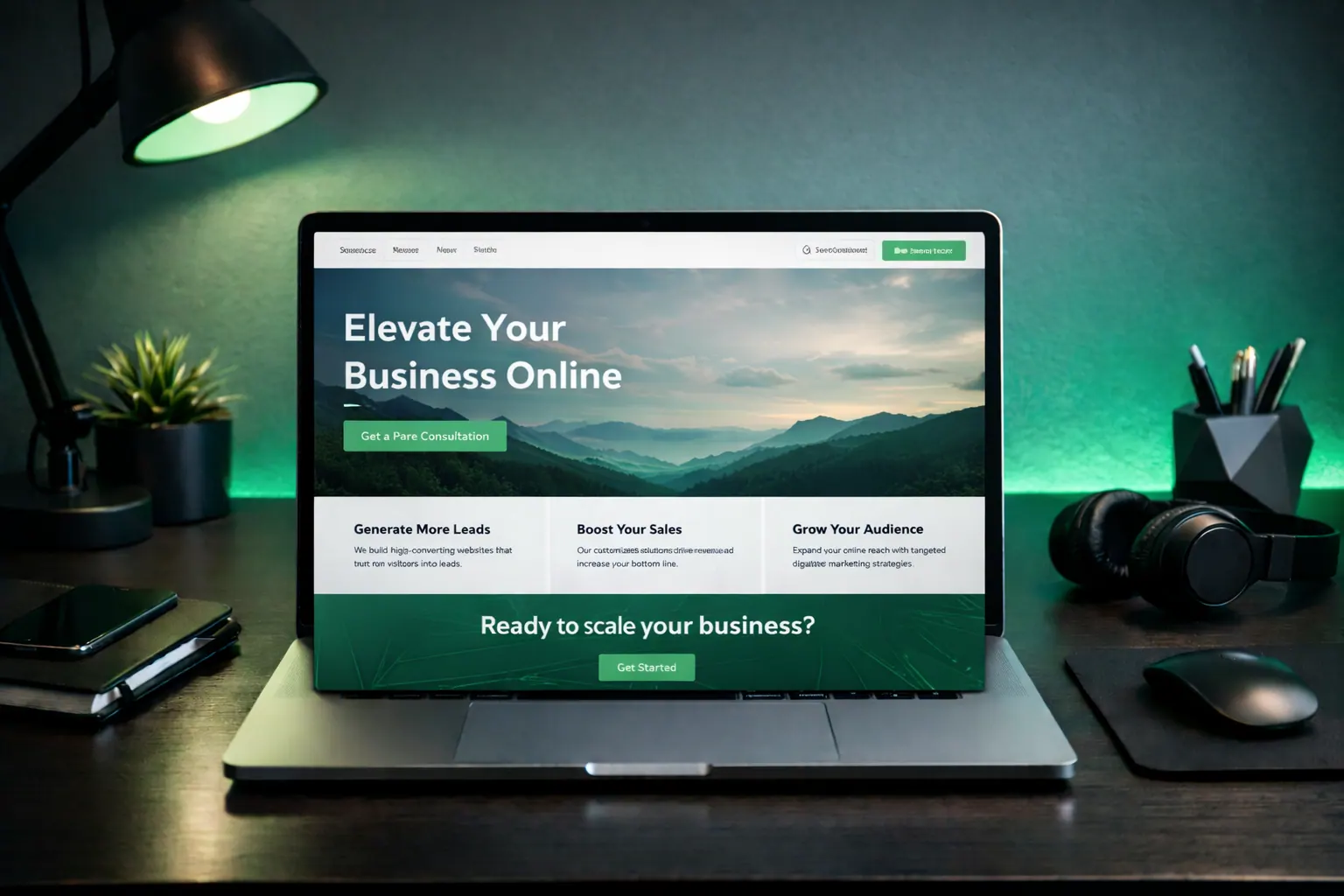
Most small business websites are decoration.
They look nice.
Need website design in 48 hours?
If you need a professional website live fast for Nigeria-based or international clients, the launch offer is built for that exact use case.
Explore the full service at website design in 48 hours, see how to launch your website in 48 hours, or review the done-for-you website launch details.
They have animations.
They have gradients.
They win compliments.
And they make zero money.
That’s not a website.
That’s digital furniture.
A real website is a sales machine.
If your site isn’t generating enquiries while you sleep, it’s broken.
Not unlucky.
Not “the market”.
Broken.
Today we fix that.
If you haven't chosen infrastructure yet, start with the best hosting guide.
If you want the fastest done-for-you path instead of planning every page yourself, see the website design in 48 hours offer.
First principle: your website is not art
Let’s kill the fantasy first.
Your website is not:
- a portfolio
- a playground
- a place to show creativity
It is a tool.
A tool has one job:
Generate leads.
If a hammer doesn’t hit nails, you throw it away.
Same rule here.
Everything on your site must justify its existence.
If it doesn’t help conversions, delete it.
Brutal. Effective.
The 5-second rule
Visitors decide in 5 seconds:
Stay or leave.
They don’t read.
They scan.
So your homepage must instantly answer:
- 1What do you do?
- 2Who is it for?
- 3Why should I trust you?
- 4What should I click?
If any of these are unclear → bounce.
No second chances.
For a deeper breakdown, see the homepage structure that converts.
Section 1: The headline (this matters more than everything else)
This is where most people fail spectacularly.
Bad:
“Welcome to Web Growth”
Nobody cares.
Good:
“We Build Websites That Turn Visitors Into Enquiries”
Now we’re talking.
Clear benefit.
Immediate promise.
No fluff.
Formula:
We help [who] get [result] without [pain]
Example:
We help clinics get more bookings without paid ads.
Simple beats clever.
Always.
Section 2: Proof immediately after
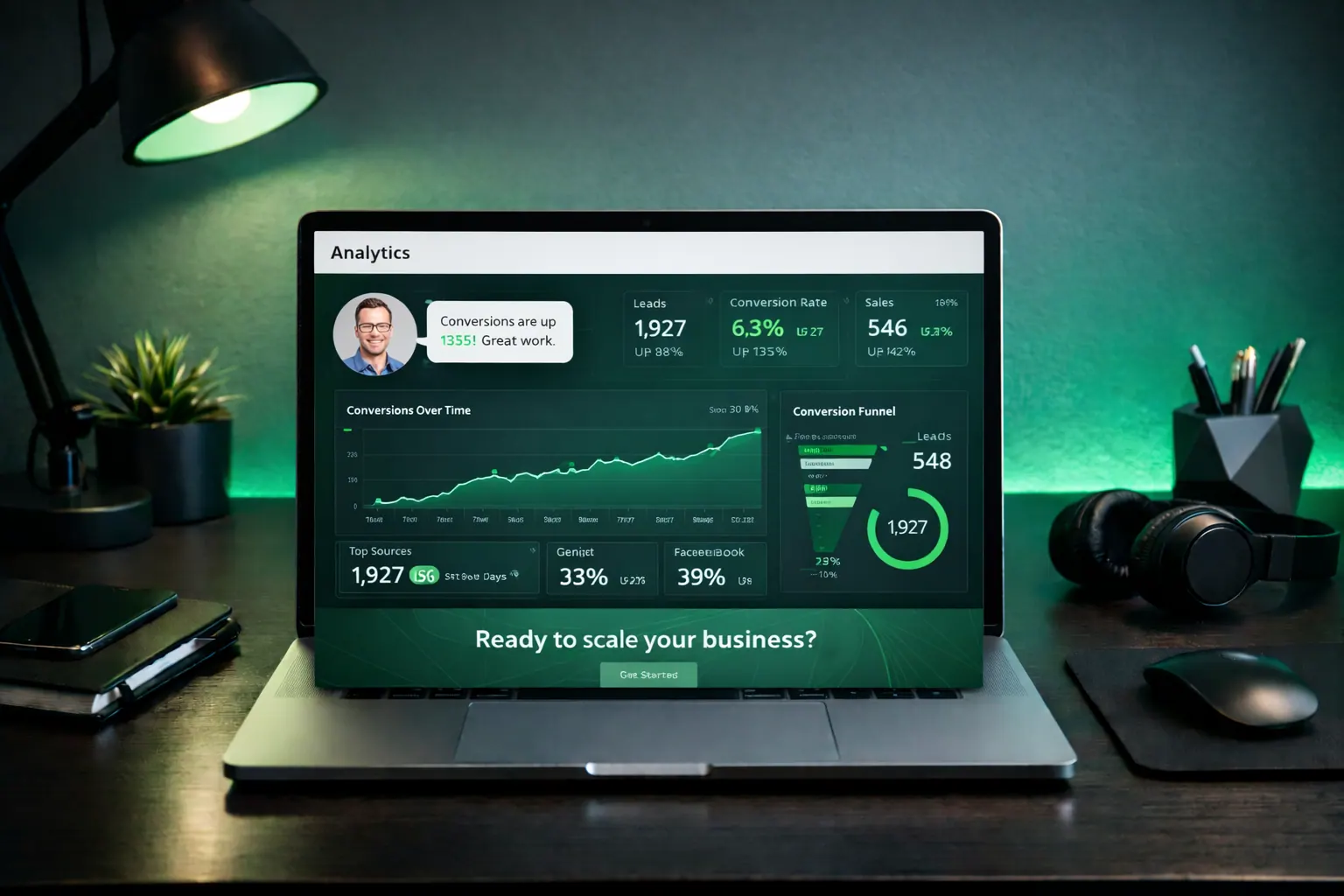
Trust must appear early.
Not buried.
Right under your headline.
Because strangers don’t trust strangers.
Add:
- testimonials
- star ratings
- logos
- numbers
- screenshots
- case studies
Instead of:
“We are experts”
Say:
“142 businesses launched. 3,200+ enquiries generated.”
Numbers are harder to fake.
So brains believe them faster.
Section 3: Explain your service simply
Most websites sound like this:
“We leverage innovative digital transformation solutions…”
Stop.
Nobody talks like that.
Speak human.
Bad: “We provide comprehensive integrated digital experiences.”
Good: “We design fast websites that get you more enquiries.”
Clear wins.
List:
- what you do
- what they get
- how it helps
No jargon.
No MBA language.
Section 4: How it works
People fear complexity.
So show simplicity.
Use:
Step 1: We plan Step 2: We design Step 3: You launch
That’s it.
Simple processes reduce anxiety.
Reduced anxiety increases conversions.
Psychology, not magic.
Section 5: Remove friction
Every extra click reduces conversions.
Common mistakes:
- forcing signups
- long forms
- too many fields
- slow pages
- confusing navigation
If you ask for:
Name Email Phone Company Budget Address Blood type Grandmother’s maiden name
They leave.
Ask for the minimum.
Usually:
Name + Email.
Done.
Section 6: Speed is conversion
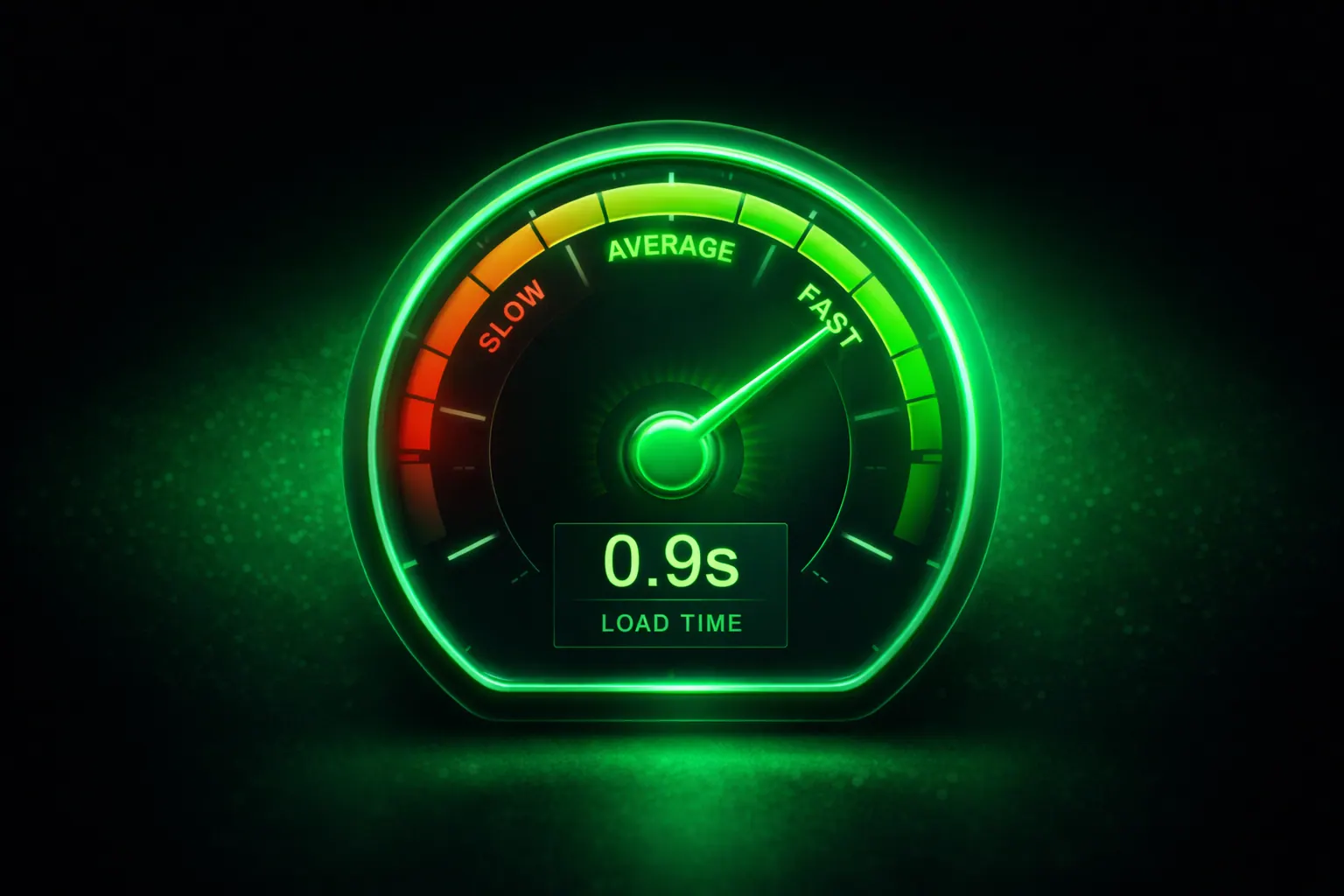
Slow sites kill sales.
Facts:
1 second delay → up to 20% fewer conversions
Not theory.
Money loss.
Fix speed:
- compress images
- reduce JS
- good hosting
- CDN
- lazy loading
Fancy animations don’t matter.
Speed matters.
Google cares.
Users care.
Everything else is noise.
Section 7: One CTA per page
Multiple CTAs confuse brains.
Confused brains don’t click.
Choose ONE:
- Get a Quote
- Book a Call
- Start Project
Repeat it everywhere.
Header. Middle. Bottom.
Same action.
Same wording.
Consistency converts.
Section 8: Trust signals everywhere
Add micro-trust elements:
- HTTPS
- real photos
- clear pricing
- guarantees
- FAQ
- contact info
- WhatsApp button
These seem small.
But each one removes doubt.
And conversion is just:
Removing doubt repeatedly.
Section 9: Mobile first
Most visitors are on phones.
If your site looks amazing on desktop but broken on mobile:
You already lost.
Check:
- buttons large enough
- readable text
- no side scrolling
- fast loading
- sticky CTA
Mobile is not optional anymore.
It’s the default.
Section 10: Don’t design for yourself
This is the ego trap.
You like dark mode.
Your users might not.
You like minimal.
They might want info.
Data beats opinion.
Use:
- analytics
- heatmaps
- real user behavior
Never guess.
Test.
Always test.
If you're getting traffic but no enquiries, read Why Your Website Isn't Getting Leads.
The simple high-converting structure
Here’s the blueprint:
- 1Headline
- 2Proof
- 3Services
- 4Process
- 5Testimonials
- 6FAQ
- 7CTA
Nothing fancy.
Just psychology stacked properly.
That’s what works.
To make sure it ranks, use the small business SEO checklist.
If you want a business website built around this structure for you, the business website design service is the direct next step.
FAQ
Do fancy designs increase conversions?
Rarely. Clarity beats creativity.
Do I need animations?
No. Speed and clarity matter more.
How many pages should a small business site have?
Usually 5–7. Keep it simple.
What matters most?
Headline, proof, speed, and CTA.
If your website isn’t converting, it’s not cursed.
It’s just missing fundamentals.
Fix the fundamentals.
Money follows.
If you want this handled for you, request a quote.
Related reads
- Why Your Website Isn't Getting Leads
- Speed Checklist That Improves Rankings
- Homepage Structure That Converts
Ready to launch
Launch your website in 48 hours with a done-for-you setup
If this article helped you clarify the next step, the launch offer gives you a mobile-first business website, domain guidance, hosting setup, and a clear CTA flow without dragging the project out.
Chat on WhatsAppWebsite design in 48 hours for businesses that need to go live fast
The 48-hour launch offer is built for businesses that need a clean, mobile-first site live fast with pricing, CTA flow, and basic SEO already handled.
See the done-for-you website launchHosting Support
Need reliable hosting before you build?
Use the hosting offer to start with a cleaner setup and a lower upfront cost.
Related posts
More articles to help you get better rankings and more leads.
Most low-converting websites fail for the same reasons: unclear positioning, weak proof, poor mobile trust, and weak calls to action. Fix these first.
A service page should answer five buyer questions fast: what you do, who it is for, why it is credible, what is included, and what happens next.
Traffic is useless without conversions. Learn the exact landing page structure, copy psychology and layout that turns visitors into leads and sales.