

Premium Website Design Without Slow Pages
Learn how premium website design can stay fast by controlling images, scripts, animations, fonts, mobile layout, and performance-heavy sections.
Search intent
Informational - first-hand case study and implementation lessons
Primary focus
premium website design without slow pages
Built for
Teams that need clearer website decisions before they spend.

Academy article
Victorious
Founder, Web Growth
Published
2026-02-22
Reviewed
2026-04-29
Best next move
Get a senior review of your slow templates, scripts, asset loading, and conversion bottlenecks.
Explore Speed Optimisation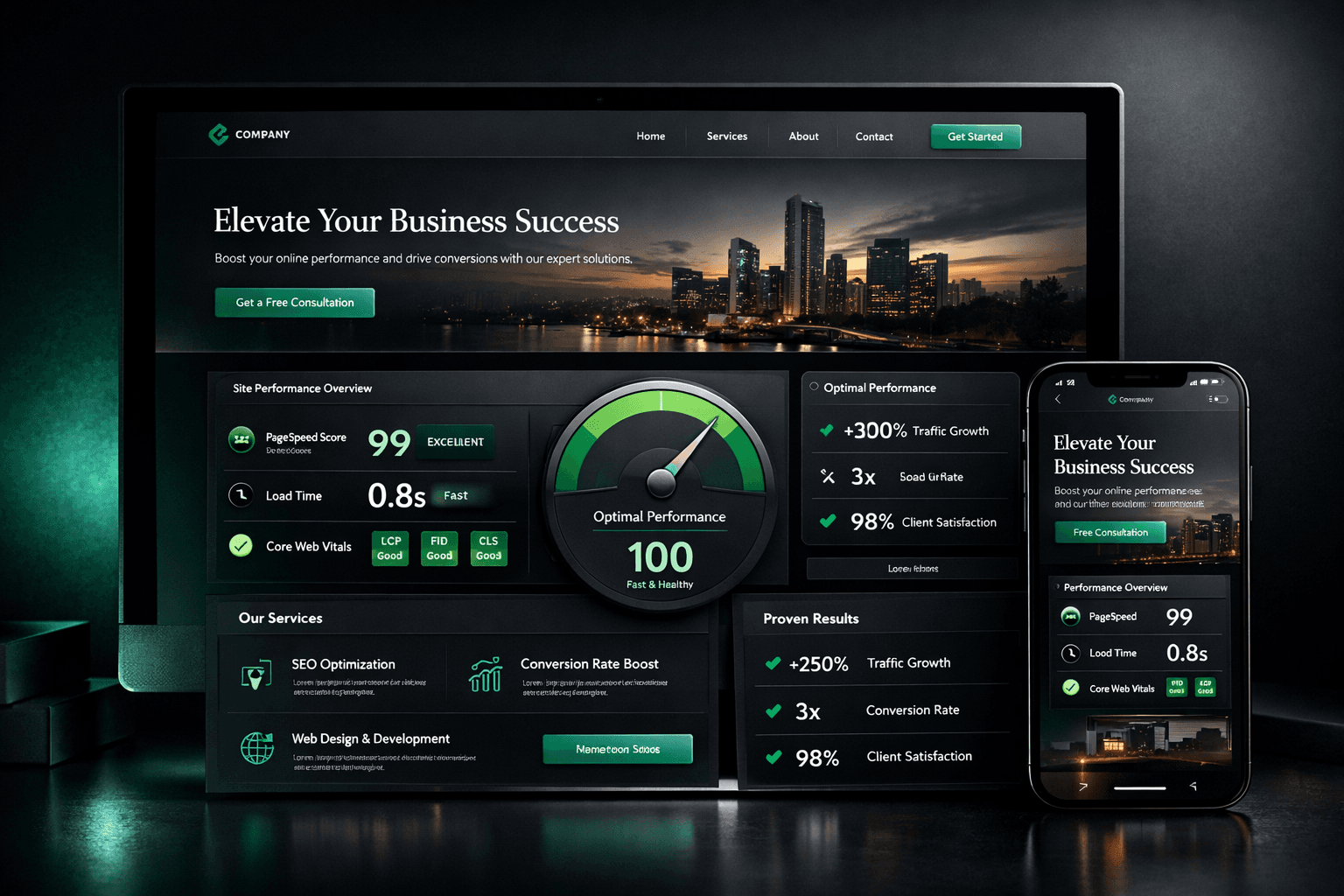
Article History
Published: February 22, 2026
Updated: April 29, 2026
Reviewed: April 29, 2026
Editorial Note
Based on recurring performance issues found on visually polished websites where speed, mobile usability, and enquiry flow were weakened by design weight.
This guide treats design, usability, and performance as one system so business owners can understand why a premium site still needs restraint.
Author
Founder, Web Growth
Founder-led strategist and developer focused on high-performance websites, conversion systems, and practical growth execution for service and ecommerce businesses.
- Next.js web architecture
- Conversion-focused website strategy
- Technical SEO foundations
- Website performance optimization
- Service-business growth systems
Key Takeaways
- Premium design should support clarity, trust, and usability instead of making the page heavier or harder to use.
- Images, videos, animations, scripts, fonts, and mobile layout all affect whether a premium website still feels fast.
- A targeted performance review is often enough when the design direction is still strong but the site feels heavy.
What You Will Need
- Your website link and a few key pages to review.
- A simple view of where the site feels slow or heavy on mobile and desktop.
- A checklist for visuals, scripts, mobile usability, and CTA reach.
Common Mistakes
- Treating premium design and performance as separate problems.
- Letting large visuals or animations block clarity and action.
- Adding too many third-party tools without checking their real business value.
Process Steps
- 1Start with clarity before decoration.
- 2Review media weight, animations, and scripts.
- 3Check mobile usability and CTA reach.
- 4Choose optimization or redesign based on where the real friction is.
Academy lesson
Strategy, implementation notes, and decision support
Premium Website Design Without Slow Pages
A premium-looking website should still feel fast, clear, and easy to use.
A site can look expensive and still lose trust if it loads slowly, feels heavy on mobile, hides the CTA, or frustrates visitors. That is why premium website design without slow pages matters so much for real business performance.
If you want a practical performance review after reading this, start with the website speed optimization service.
1. Design Around Clarity First
Premium design should make the message easier to understand.
Visuals should support the offer, not compete with it. A beautiful site that does not explain the business clearly can still lose enquiries because the visitor never understands what is being offered or what to do next.
That means the hero, service sections, CTAs, and trust content should stay easy to read. Conversion-focused website design starts with clarity before decoration. If you want to see the broader commercial angle, review the business website design service.
2. Control Image and Video Weight
Large images, background videos, sliders, and galleries can make pages heavy.
Premium visuals should be sized, compressed, and used intentionally. Not every section needs a large media asset, and not every idea needs a background video to feel polished.
Product photos, portfolio images, and hero visuals should be optimized carefully because image weight can affect both mobile experience and loading speed. If you want to see how visual quality can still feel credible without overload, review selected website work.
3. Use Animations Carefully
Animations can make a website feel premium when used with restraint.
Too many animations can distract users or slow the page down. Animation should guide attention, not block content or delay understanding.
Important text and CTAs should not depend on delayed animation to be understood. In most cases, smooth, subtle motion works better than heavy visual effects. The point is not to remove animation. It is to make animation support the user journey.
4. Avoid Unnecessary Scripts and Plugins
Tracking tools, chat widgets, popups, embeds, plugins, and marketing scripts can all add weight.
Every third-party tool should have a business reason. Too many tools can make a premium site feel slow or unstable, especially when they all load at once.
Analytics and pixels can still be useful, but they should be controlled. If you are not sure which scripts are helping and which are only adding friction, a website audit service is a practical next step.
5. Design Mobile-First
A premium desktop design can still fail if the mobile version feels cramped, slow, or hard to use.
Mobile visitors need readable text, visible CTAs, simple navigation, and fast sections. Images, animations, and layouts should all be tested on phones, not only on large screens.
This matters because many service businesses, local businesses, and online stores receive mobile-first traffic. Mobile performance is part of trust, not just a technical afterthought.
6. Keep CTAs and Content Easy to Reach
Premium design should not hide the action.
Visitors should quickly see what the business offers and what to do next. CTAs should appear above the fold and near important decision points. Forms, WhatsApp links, booking buttons, or contact actions should be easy to use.
Visual style should support enquiry flow, not interrupt it. If you want help reviewing whether the current design is helping or hurting action, contact Web Growth.
Premium Website Design Performance Checklist
Use this checklist before launch or redesign decisions:
- Does the design make the offer clearer?
- Are hero images optimized?
- Are videos used only where necessary?
- Are animations subtle and useful?
- Are important CTAs visible without waiting for animation?
- Are third-party scripts controlled?
- Is the mobile version fast and easy to use?
- Are fonts and visual assets handled carefully?
- Does the page load quickly enough for users to stay?
- Does the design support trust and enquiries?
- Is the page still easy to read and navigate?
If several answers are no, the page may look premium but still feel commercially weak.
When to Optimize vs Redesign
Optimization may be enough when:
- the visual direction is still strong
- the page structure is clear
- the main issue is image weight, scripts, media, fonts, or performance setup
- the business needs targeted speed improvements
A redesign may be better when:
- the site looks premium but is confusing
- the mobile experience is weak
- CTAs are hidden
- the structure does not support enquiries
- the site is slow because the full design system is too heavy
If performance is the main issue, start with the website speed optimization service. If the broader structure is part of the problem, review the website redesign service. If you need clarity before choosing between the two, a website audit service is the safer first step.
Need a Premium Website That Still Feels Fast?
Send your website link and Web Growth will review the main speed, mobile, design-weight, and performance issues affecting user experience, trust, and enquiry flow.
Continue learning
FAQ
Premium Website Design Without Slow Pages FAQ
Short answers to the planning, implementation, and decision questions readers usually ask next.
Yes. Premium design can still feel fast when images, animations, scripts, fonts, and layout choices are controlled carefully.
Not always. Animation can support the user journey when it is subtle and restrained, but too much motion or heavy effects can create friction.
Optimization may be enough if the visual direction and structure are still strong. A redesign may be better if the layout, CTA flow, or design system itself is too heavy or confusing.
Yes. Chat widgets, tracking tools, embeds, plugins, and other third-party tools can all add weight if they are not controlled carefully.
Related Reads
Keep building context, not just page views
These Academy guides expand the same implementation path so readers can move from strategy to action without losing momentum.
WordPress
5 min read
How to Audit a Slow WordPress Site Before You Rebuild
Learn how to audit a slow WordPress site by checking images, plugins, scripts, hosting, mobile experience, Core Web Vitals, and page weight.
Pricing
5 min read
Website Redesign Cost in Nigeria: What Affects the Price?
Learn what affects website redesign cost in Nigeria, including page count, content, speed, SEO, mobile experience, integrations, and redesign scope.
Case Study Series
12 min read
Next.js Architecture and Build Decisions: Technical SEO and Website Maintainability
Part 6 of the J Luxe rebuild series: the Next.js architecture decisions that improved performance, crawlability, publishing speed, and long-term maintenance during the rebuild.
Case Study Series
11 min read
Results, Mistakes, and Reusable Playbook: The J Luxe Rebuild Retrospective
Part 8 of the J Luxe rebuild series: the real results, most expensive mistakes, and reusable website growth playbook that came out of the full rebuild.
Our articles are written and reviewed in-house using real website launch, redesign, technical SEO, and conversion work. We update posts when our process changes, and we keep the advice aligned with what we actually implement for businesses in Nigeria and remote international markets.
Internal Resource
Need this fixed on a live site?
Get a senior review of your slow templates, scripts, asset loading, and conversion bottlenecks.
Explore Speed Optimisation